
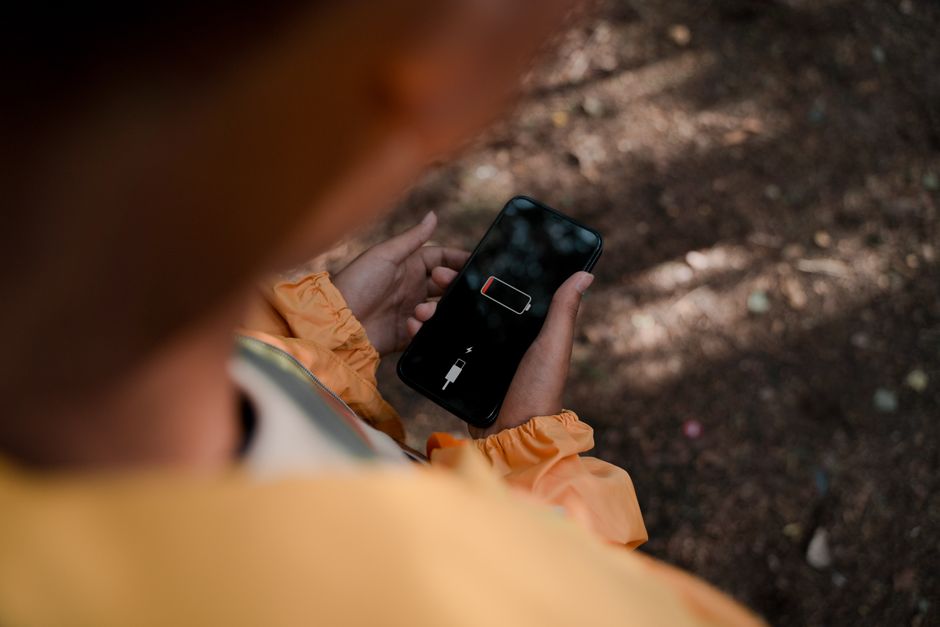
Troubled by Rapid Smartphone Battery Drain?
Smartphones have become an integral part of our daily lives, handling everything from professional tasks to personal communication. However, dealing with a phone that loses charge rapidly can be extremely frustrating. Many users notice that their device loses 15 to 20 percent of its battery overnight even when left unused. If you are facing a similar issue, understanding the root cause can help you fix it without replacing your hardware.
The primary culprit behind rapid battery loss is often not an aging battery, but rather background processes. Several apps continue running in the background, constantly consuming internet data, location services, and system processing power. Identifying and managing these rogue applications can significantly improve your daily battery backup on both Android and iPhone devices.
Checking Battery Usage on Android Devices
Android users have access to detailed built-in statistics that reveal exactly which apps are draining the most power. To check this, navigate to your phone's 'Settings', then look for 'Battery' or 'Battery & Device care'. Depending on your device manufacturer, the exact nomenclature might vary slightly, but the core functionality remains consistent across the ecosystem.
Select 'Battery Usage' or 'Battery Usage by Apps' to view a comprehensive list of applications ranked by their energy consumption. Look closely at the apps running during idle hours or nighttime. If an application that you haven't actively used appears at the top of this list, it is likely running stealthily in the background and draining your charge.
Restricting Background Activity for Better Backup
Once you pinpoint the power-hungry applications, the next step is to curtail their background activities. Android allows users to restrict specific apps from running tasks while minimized. By toggling off unrestricted background usage, you prevent these programs from utilizing system resources unnecessarily.
Additionally, managing location permissions and disabling push notifications for non-essential applications will yield noticeable improvements in your battery life. Modern Android versions also feature adaptive power management tools that automatically optimize performance based on your usage patterns.
Essential Battery Tweaks for iPhone Users
Apple simplifies power management through its dedicated iOS settings menu. iPhone users can navigate to 'Settings' followed by 'Battery' to review detailed analytics regarding their energy consumption over the last 24 hours or the past week.
To preserve battery life on iOS, disabling 'Background App Refresh' for unneeded applications is highly recommended. Furthermore, restricting location access to 'While Using the App' prevents GPS sensors from constantly waking up the processor, thereby extending your phone's operational longevity.
Conclusion and Best Practices
Maintaining a healthy smartphone battery requires conscious management of system resources and permissions. By adopting these simple settings adjustments, users can easily enhance their device longevity and avoid the constant hassle of recharging.
"Smartphones lose charge not just due to aging hardware, but largely because of unmonitored background applications operating without user awareness." — Tech Analyst, The FreeLance


